E-tickets make event entry faster, easier, and more convenient. No printing, no long lines, no lost paper tickets. But let’s be honest, when something goes wrong with a digital ticket, stress shows up fast.
A QR code won’t scan. The confirmation email never arrives. The buyer says, “My ticket is not working.” Sound familiar?
The good news is that most e ticket issues are simple to solve, and even easier to prevent when you know what to look for.
Let’s go through the most common problems and how both organizers and attendees can fix them quickly.
Why E-Ticket Problems Happen
Most digital ticket problems don’t happen because the system is broken.
Usually, the issue is caused by:
- Incorrect buyer information
- Payment not being completed
- Duplicate or fake tickets
- Scanning errors at entry
- Weak internet connection during check-in
The key is identifying the real cause before assuming the ticket is invalid.


1. Ticket Confirmation Email Never Arrives
One of the most common complaints is simple:
“I bought the ticket, but I never got it.”
Before panic starts, check:
- Spam or junk folders
- Incorrect email address entered during checkout
- Delayed payment confirmation
Sometimes the payment is still processing, so the ticket hasn’t been issued yet.
With platforms like ME-Ticket, organizers can track purchase status and confirm whether the ticket was successfully generated.
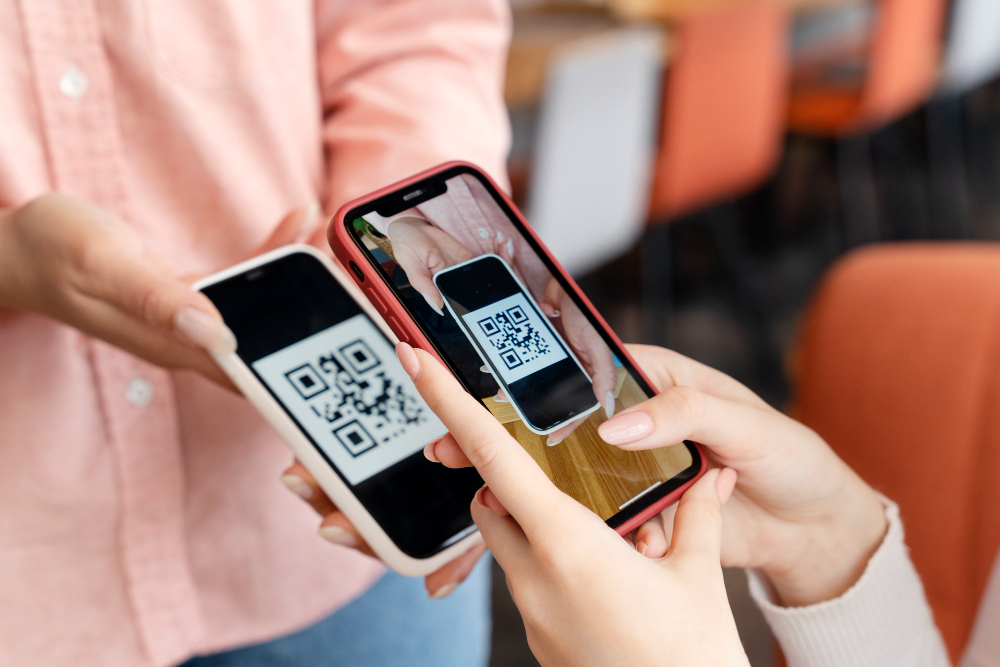
2. QR Code Won’t Scan
This is probably the most stressful moment, standing at the entrance while the scanner says no.
Possible reasons:
- The screen brightness is too low
- The QR code is damaged or blurry
- The same ticket was already scanned
- Internet issues are affecting the scanner
Quick fixes:
- Increase phone brightness
- Open the original ticket file, not a screenshot
- Refresh the app or scanner connection
Using professional QR-based systems like ME-Ticket helps reduce these issues significantly.

3. Payment Was Made but No Ticket Was Issued
Sometimes buyers complete payment but don’t receive confirmation.
This can happen because:
- Payment authorization failed
- The bank delayed confirmation
- Checkout was interrupted
The best step is to verify the payment status before purchasing again.
Double purchases create even bigger headaches later.
4. Duplicate Tickets Cause Entry Problems
A common scam involves the same ticket being sold multiple times.
Only the first successful scan usually works.
This often happens when:
- Tickets are transferred unofficially
- Screenshots are shared
- Buyers purchase from unverified sellers
The safest solution is always safe ticket buying through official platforms.

5. Wrong Name or Incorrect Ticket Details
Sometimes the ticket exists, but the details are wrong.
Examples:
- Wrong attendee name
- Incorrect event date
- Wrong ticket category
This usually happens because of rushed checkout or unclear ticket selection.
Organizers should offer clear confirmation before final purchase to reduce these mistakes.
6. Ticket Shows as Invalid
Hearing “invalid ticket” at entry is never fun.
This may happen because:
- The ticket was refunded
- Payment failed after initial confirmation
- The QR code belongs to another event
- The ticket was copied or altered
Checking the ticket directly inside the platform is the fastest way to confirm legitimacy.

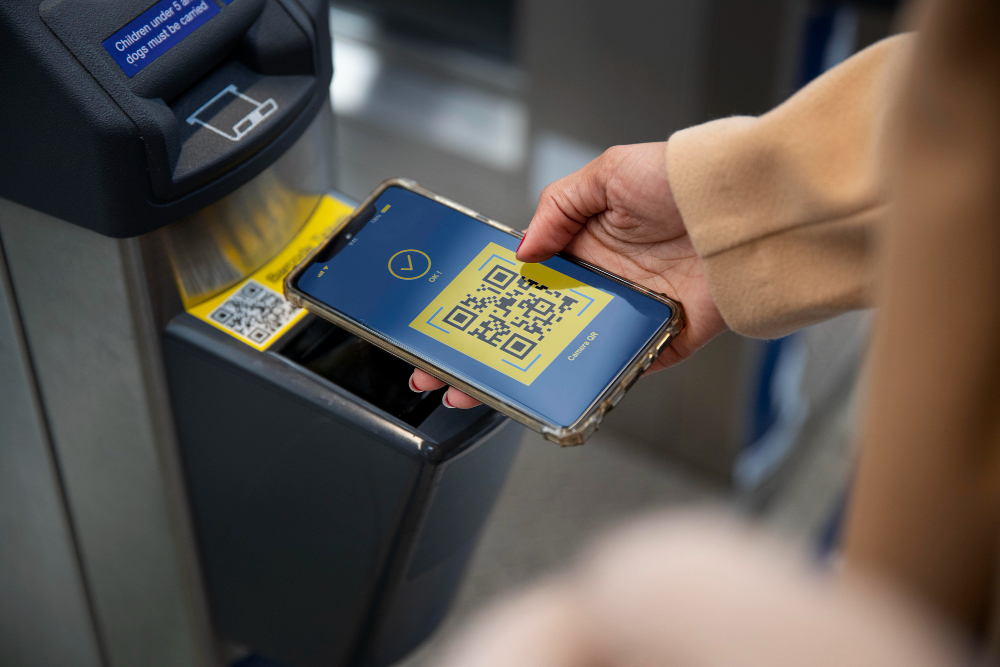
7. Entry Delays Due to Poor Check-In Setup
Sometimes the ticket works perfectly, the problem is the check-in process.
Slow entry often happens because:
- Staff are not trained properly
- Internet connection is unstable
- Backup verification is missing
A strong check-in system matters just as much as ticket sales.
Quick Fix Guide for Common E-Ticket Issues
How Organizers Can Prevent These Problems
Prevention is always easier than damage control.
Organizers should focus on:
- Reliable ticketing systems
- Clear buyer communication
- Secure QR-based ticket validation
- Real-time sales and check-in tracking
- Proper staff training for event entry
Platforms like ME-Ticket help simplify all of this by combining ticket sales, scanning, and analytics in one place.
That means fewer support requests and smoother event operations.

Most Ticket Problems Are Preventable
When someone says their ticket is not working, it doesn’t always mean the ticket is fake or broken.
Most e ticket issues come from small mistakes, wrong details, poor scanning, delayed payments, or unclear processes.
The solution is simple: use trusted systems, verify details early, and make the ticketing experience as smooth as possible.
With the right tools and setup, both organizers and attendees can avoid last-minute stress and focus on what really matters, the event itself.
Because nobody wants their first event memory to be arguing with a scanner at the entrance.
Frequently Asked Questions about Common E-Ticket Problems
It could be due to delayed payment confirmation, an incorrect email address, or the email landing in spam.